

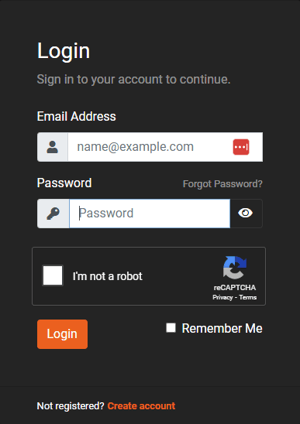
1. From the Client Portal login page, click on "Forgot Password?".
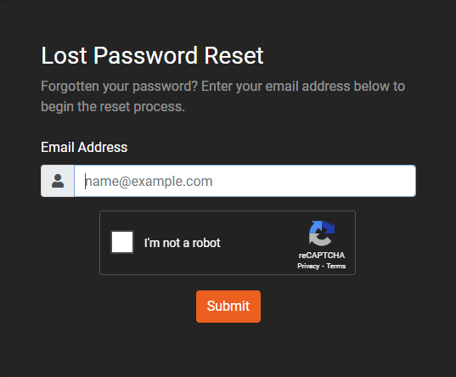
2. On the next page enter your email address and click "Submit".
3. You will be sent an email with a link to reset your password.


1. From the Client Portal login page, click on "Forgot Password?".
2. On the next page enter your email address and click "Submit".
3. You will be sent an email with a link to reset your password.